
Photoshop Tips
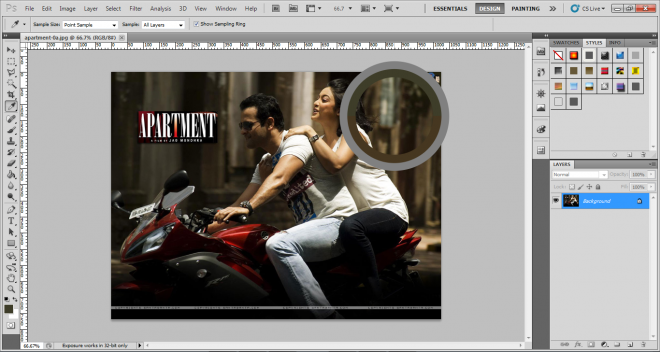
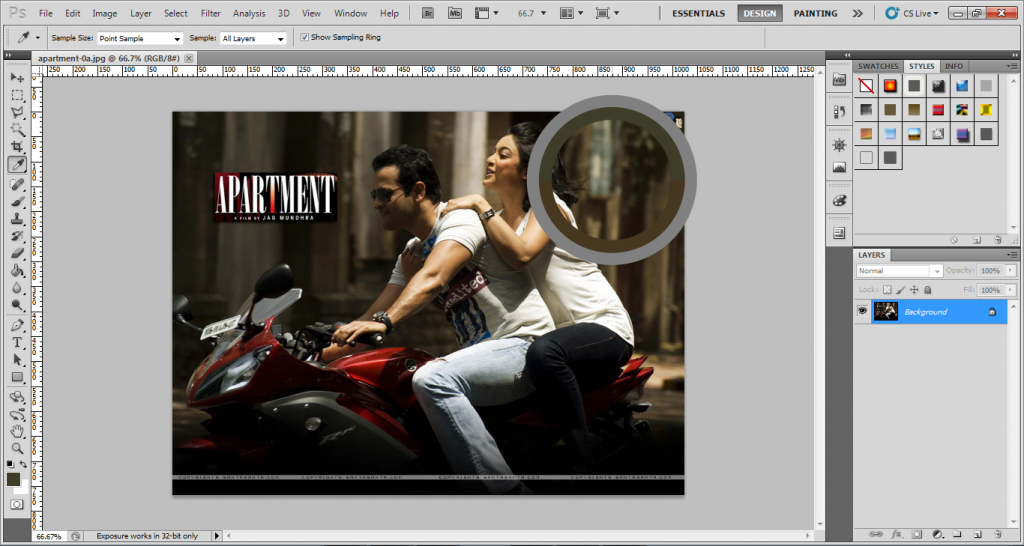
Steps of color picker change
1. Go to edit menu & click on preferences
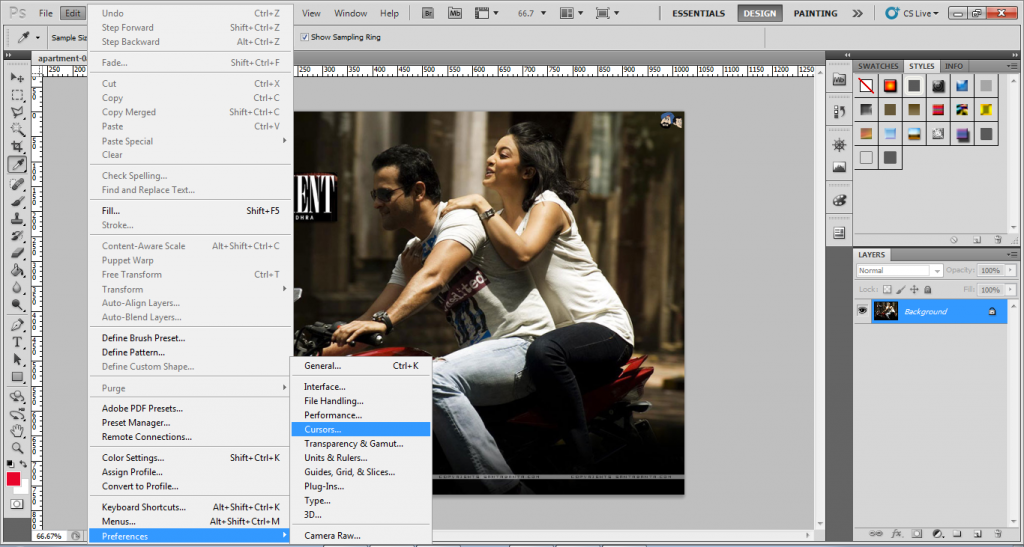
2. Click on cursors and after that other cursors
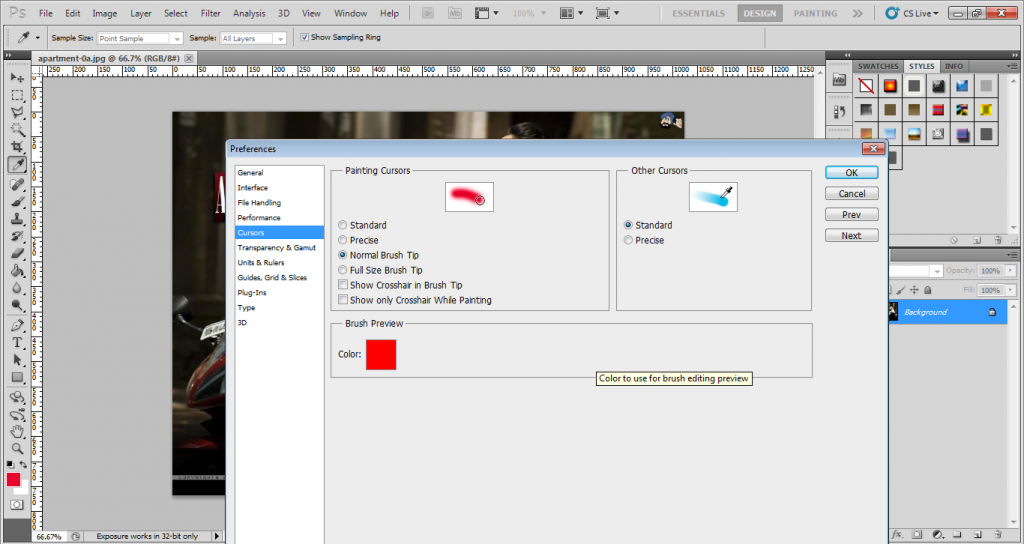
3. Choose precise and click on ok
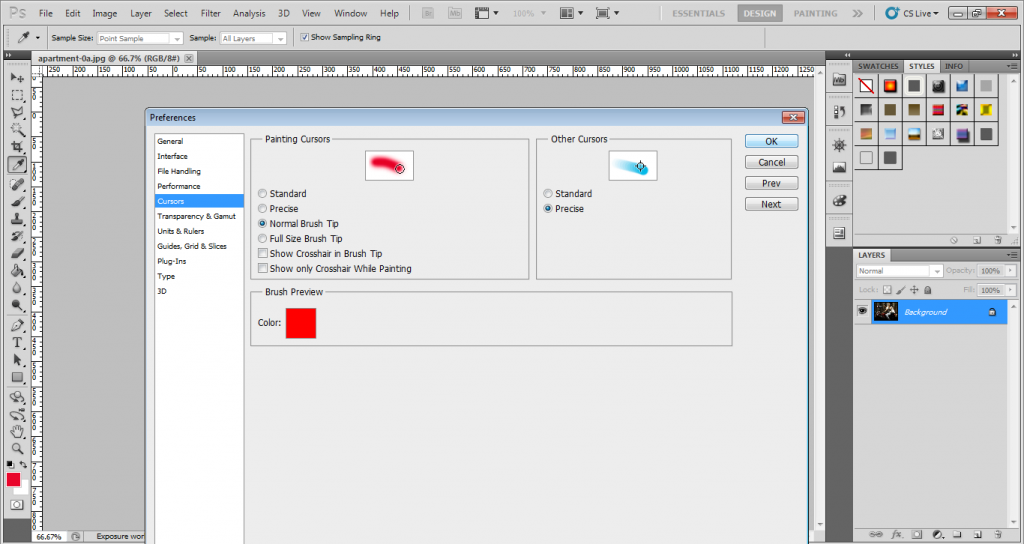
4. Cursor will changed
Related posts:
 Photoshop Courses – Adobe Photoshop CC & CC Next
  Graphics Designing Training Courses – Groom Your Computer Graphics Designing Skills
 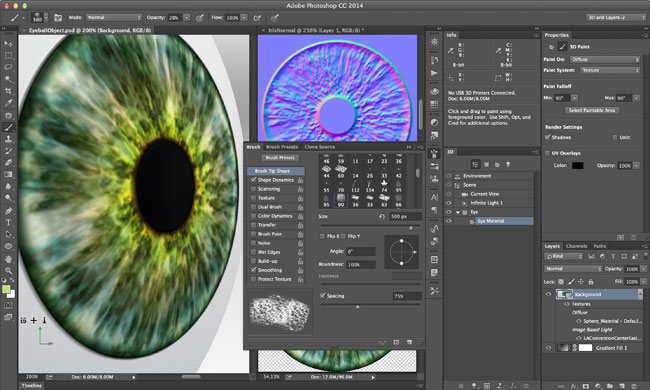 Photoshop Courses – 3D Printing Feature in Photoshop CC 2014
  Graphics Design courses – Great Career & Jobs In The Graphics Design
  Photoshop Courses – How To Learn Photoshop
  Photoshop Courses – What’s New In CC Next & CC(2014)
Sanjay Jain

I am a graphic and web designer in Delhi and Professional Web and Graphics Designer & Animator. I provide SEO Service in Delhi along with SEO, Web and Graphics Designing Courses training with latest technique.